
Marker
Write Markdown and see it rendered as you type
- No ads
- No tracking

A fast, focused Markdown editor
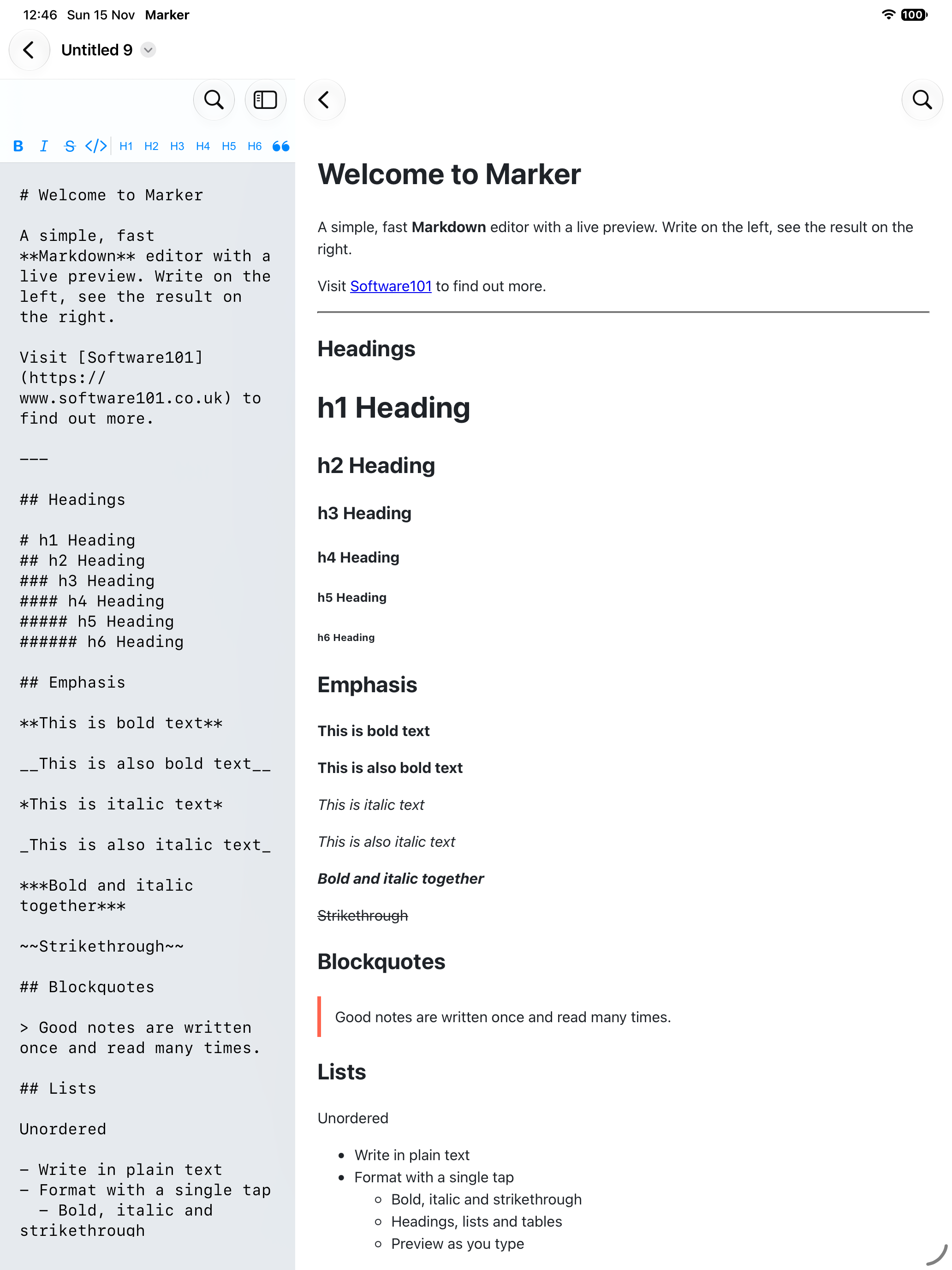
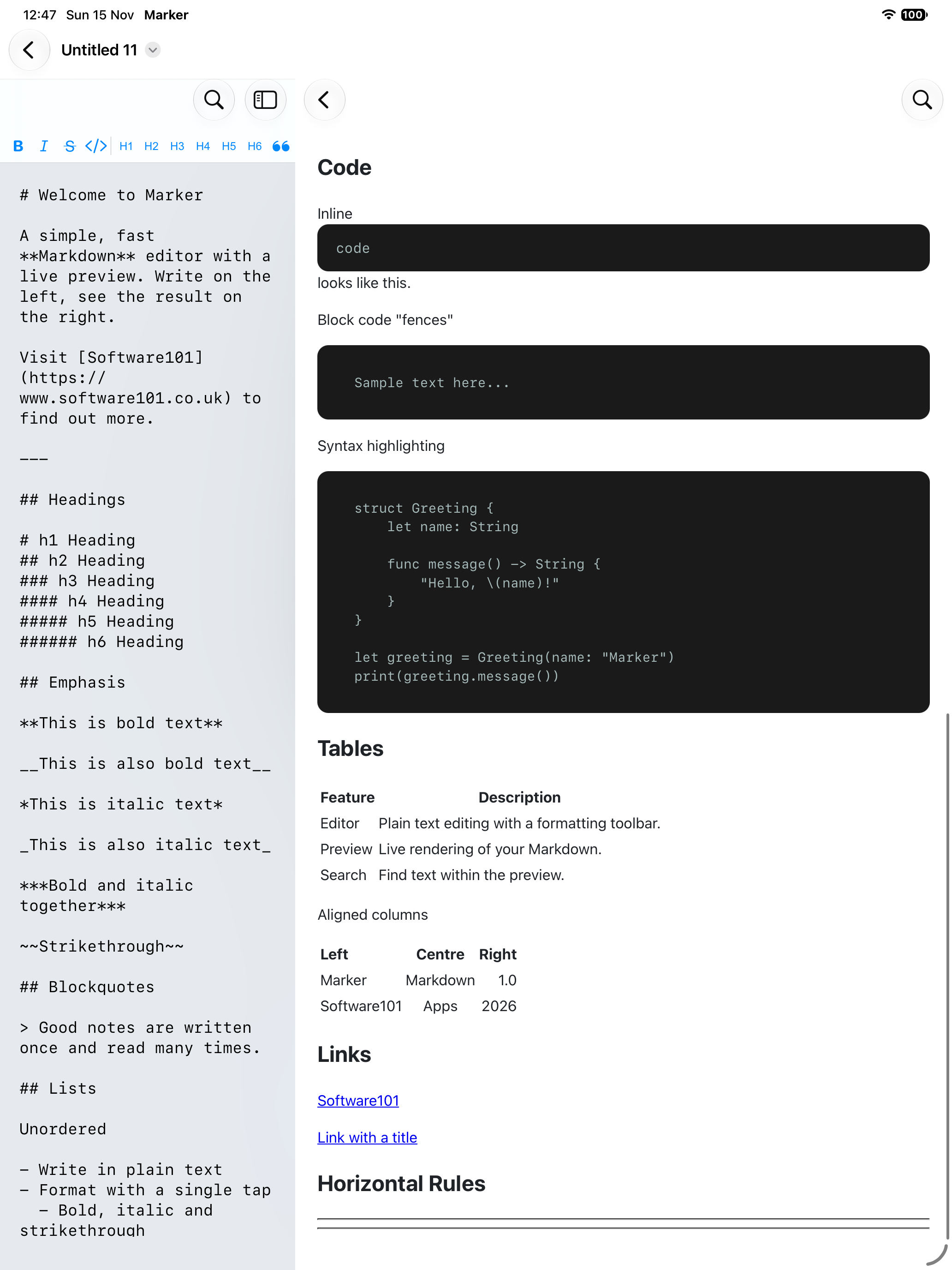
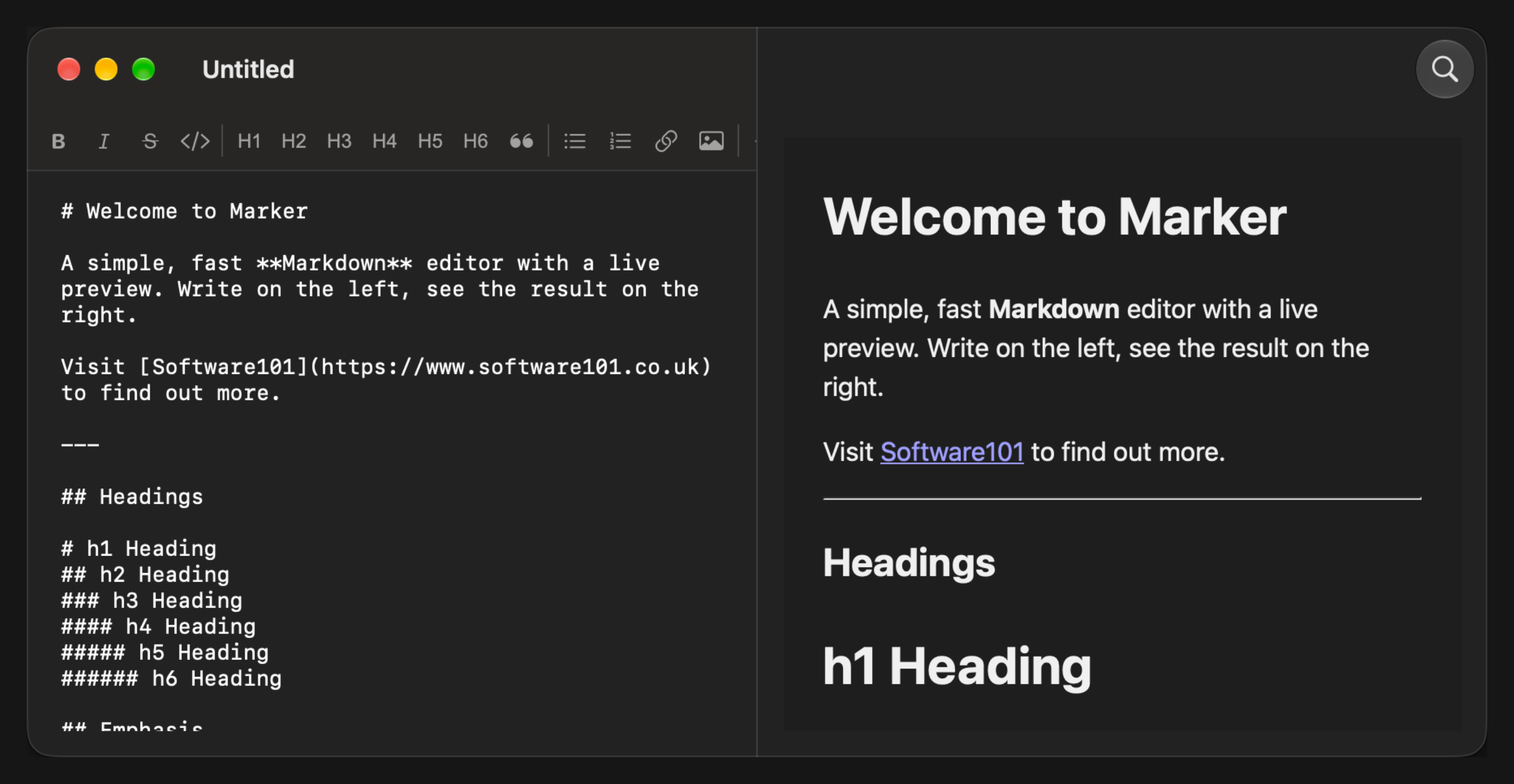
Marker is a Markdown editor and previewer for iPhone, iPad and Mac. Open any Markdown file, edit it in a clean monospaced editor, and see exactly how it will look in a live rendered preview. No accounts, no clutter, just your words.
Write without memorising syntax
A built-in formatting toolbar inserts the Markdown for you. Select some text and tap to apply:
- Bold, italic and strikethrough
- Inline code and fenced code blocks
- Headings 1 to 6
- Bulleted and numbered lists
- Blockquotes
- Links and images
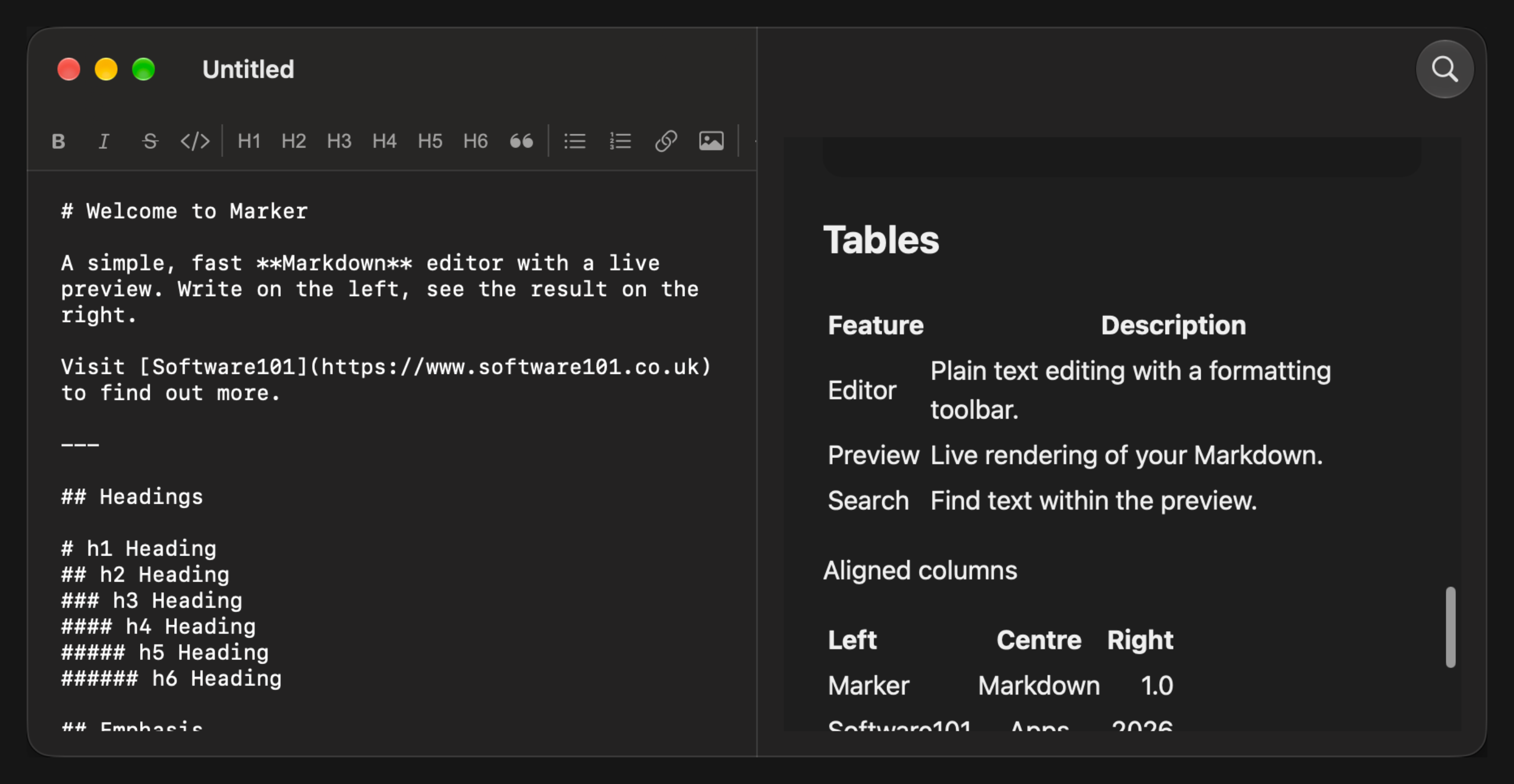
- Tables
- Horizontal rules
Nothing selected? Marker inserts a placeholder and highlights it, so you can type straight over it.
See the result instantly
- iPad and Mac. The editor and preview sit side by side and update as you type
- iPhone. Switch between editing and preview with a single tap
- Links. Links in the preview open when you tap or click them
Find what you need
Search your text in the editor, or search the rendered preview to jump to the part of a document you are reading.
Works with your files
- Open and edit .md, .markdown, .mdown and .markdn files
- Files stay where you keep them, including iCloud Drive and other file providers, and are edited in place
- Create new documents from the document browser
- Open several documents at once in separate windows, and use Split View and Slide Over on iPad
Perfect for
- README files and documentation
- Project and meeting notes
- Blog drafts
- Anything else you write in Markdown
Privacy Policy
Marker does not collect any data, require an account or show ads. It contains no tracking or analytics. Your documents stay on your device or with the file provider you choose, such as iCloud Drive, and are never sent to us.
Support
Questions or ideas? We would love to hear from you. Email us at marker@software101.co.uk.


